Free Auto Refresh
Find the text that changes
Before the results are out, the page usually says something like "Results will be published soon" or shows an empty search form. After publishing, that line changes or a results box appears. That is your signal.
Set up the watch
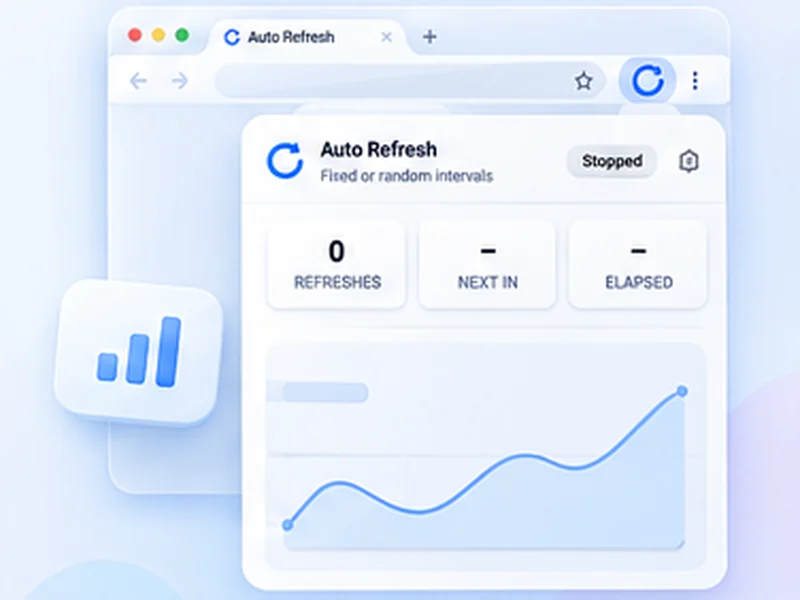
- Open the results or admission page and the Free Auto Refresh popup.
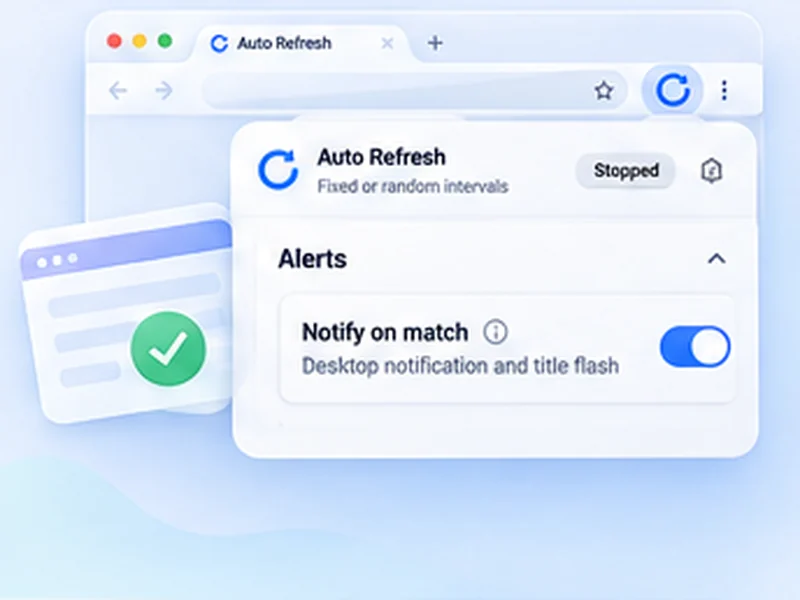
- Under Advanced settings, Watch the page, choose Stop when text disappears and type the waiting message exactly as shown.
- Pick an interval of 1 to 2 minutes, with a random range such as 60 to 120 seconds.
- Press Start and leave the tab open.
Be kind to the page
Official results servers are often small and get overloaded on results day. A fast refresh from every student makes it worse and can get you blocked. A one to two minute interval is enough to catch the moment it appears. Read how to refresh politely.
When the page is slow to load
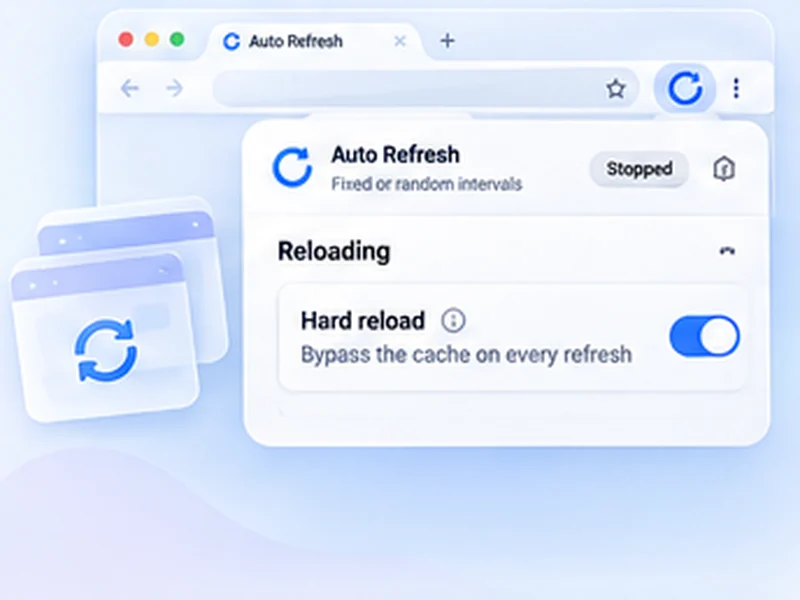
Keep Wait for the page to finish loading on, and add a few seconds of extra wait, so a half-loaded page is not mistaken for a change.
What it does not do
It does not type your roll number or enter your details for you, and it does not change your result. It tells you when the page changed, and you look up the result yourself. Always use the official website.