Free Auto Refresh
When a timer is enough
Frameworks like Vite and Next.js reload for you. A timer helps where there is no such tool: a static HTML page, a PHP or template page, an email template preview, or a CMS theme. It is also handy for a second screen that shows the page while you edit in your editor.
The setup
- Open your local address, for example http://localhost:3000.
- Open Free Auto Refresh and set 3 to 5 seconds in Min and Max.
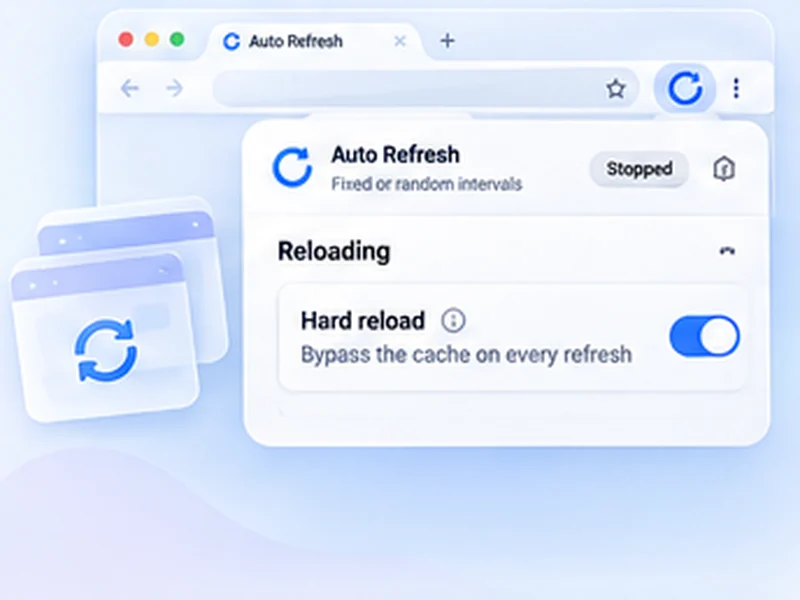
- Turn on hard reload so the browser skips cached CSS and scripts.
- Turn on Keep scroll position so a long page stays where you were.
- Press Start.
Avoid the cache trap
The most common reason a change does not show is a cached file. Hard reload asks the server for fresh copies each time. If the old version still shows, open DevTools and tick Disable cache in the Network tab as well. See Empty Cache and Hard Reload.
Do not lose form input
If you test forms, turn on Smart pause. The timer holds while you type in a field, so a reload does not clear what you entered.
Be honest about the trade-off
A timer reloads on a schedule, not when a file is saved, so there is a short delay and extra reloads. If your tool offers live reload or hot module replacement, that is the better choice.