Free Auto Refresh
Why you lose your text
A reload loads the page again from the server. Anything you typed in a field that was not saved or sent is gone. Some sites keep a draft, many do not.
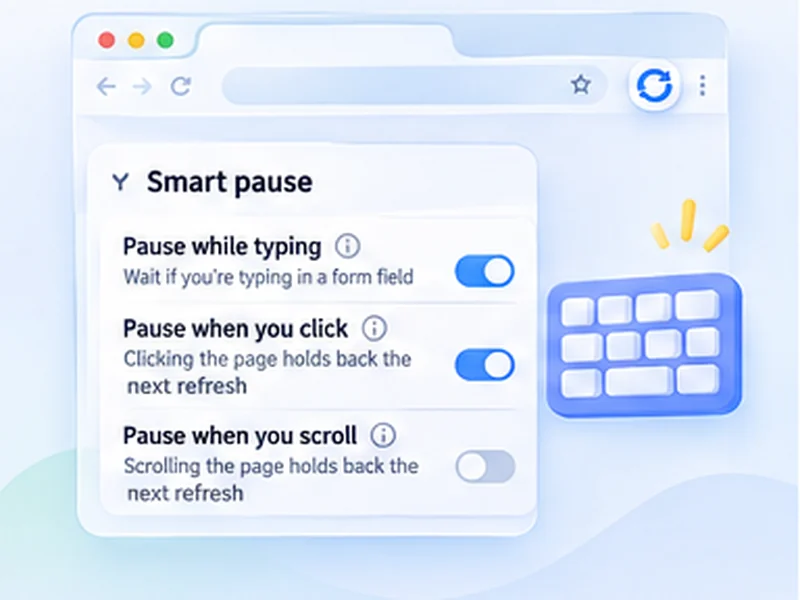
Turn on Smart pause
Open Advanced settings and switch on Smart pause. The extension holds back a reload while you are typing in a form field, and carries on after you stop. You can also have it hold when you click or scroll, and choose whether a click restarts the countdown or stops it.
Add scroll position for long pages
Turn on Keep scroll position. Each reload then returns to the same place on the page instead of jumping to the top.
Safer habits
- Do not run a timer on a page where you write long text, like an email or a document. Use Smart pause only as a safety net.
- Press Alt + Shift + R to stop the timer while you do a longer task.
- Copy long text before pressing Send, if the site might time out.
Where this is useful
It fits support queues where you reply to tickets while the list refreshes, WordPress previews, order forms on a page you are also watching, and booking pages where you fill in details while waiting for a slot.