Free Auto Refresh
Why the page goes stale
Some auction pages update themselves and some do not. If yours does not, the price and the time left on screen can be minutes old. Reloading on a timer shows the real current state.
A sensible setup
- Days to go: check every 5 to 15 minutes, or watch for a change in the price.
- Final hour: every 30 to 60 seconds.
- Final minutes: every 5 to 10 seconds, and only while you are sitting there watching.
Press Alt + Shift + R to stop the timer the moment you want to bid, so the page does not reload while you type.
Be told when the price moves
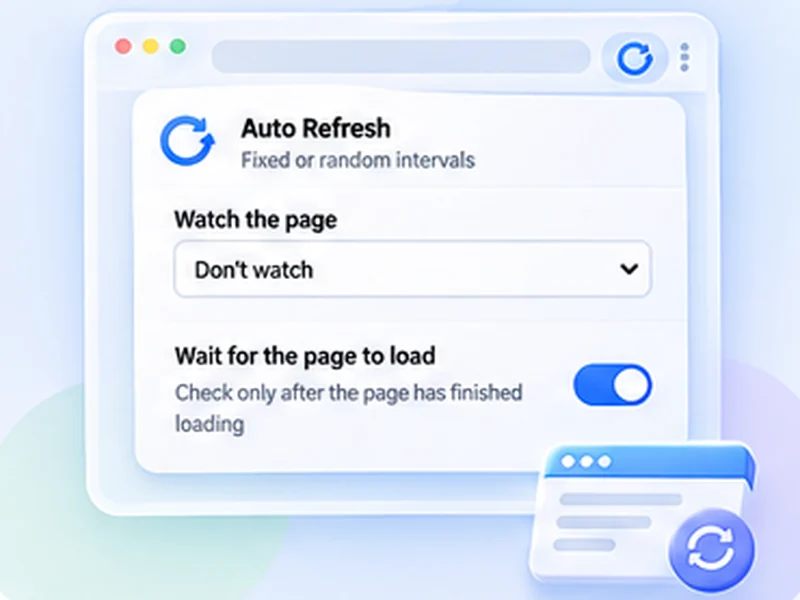
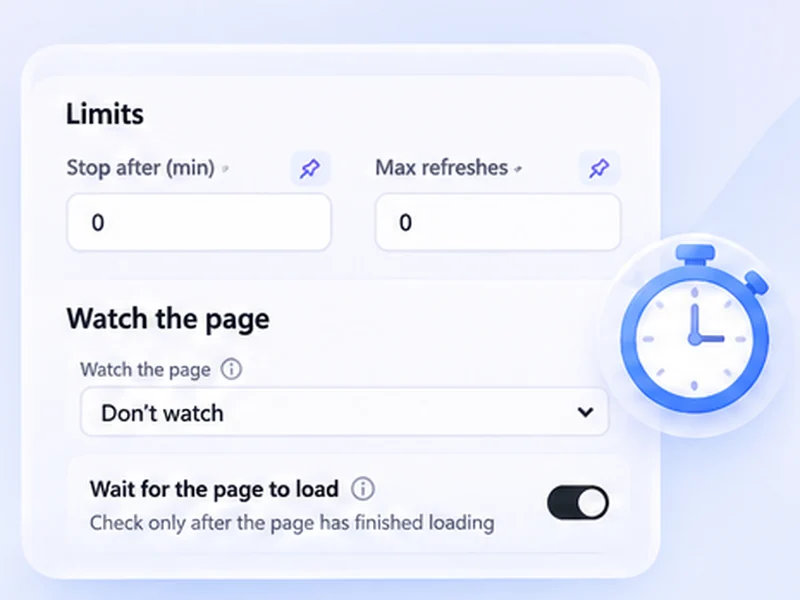
Use page watching on the price area. Choose Stop when the page changes, pick the price with a CSS selector, and you get a notification when someone bids. Between bids you can do something else.
Never reload while bidding
Turn on Smart pause. It holds the timer while you are typing in a field, so a reload does not wipe the amount you were about to enter.
What it does not do
It does not bid, snipe or raise your offer. You place every bid. Many auction sites also limit automated loading, so keep the interval no faster than you need.