Free Auto Refresh
Sort by newest first
Open the search results you care about and sort them by newest or date posted. Save that page as a bookmark. New jobs appear at the top, so a change at the top of the list is the signal to watch.
Set up the watch
- Open the sorted results page and the Free Auto Refresh popup.
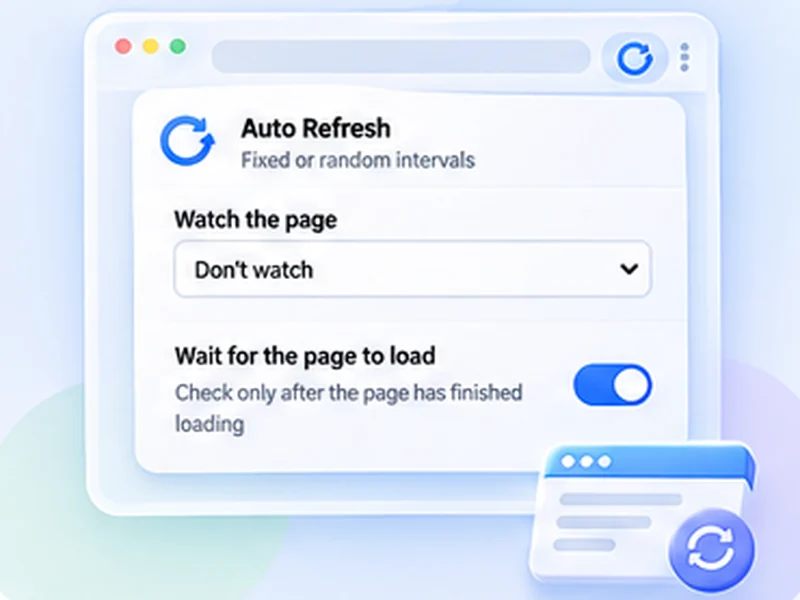
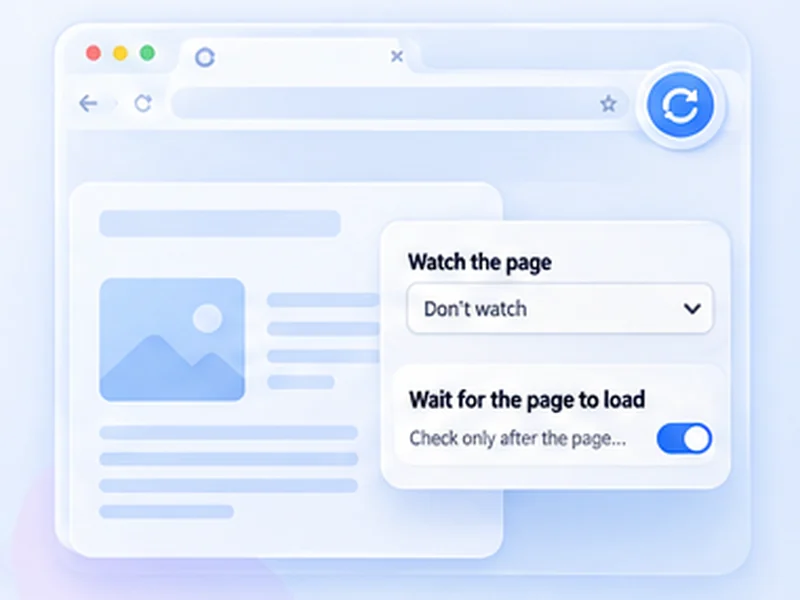
- Under Advanced settings, Watch the page, choose Stop when the page changes.
- If the page has ads or a changing banner, pick the results list with a CSS selector so only a new job counts.
- Set an interval of 5 to 15 minutes and press Start.
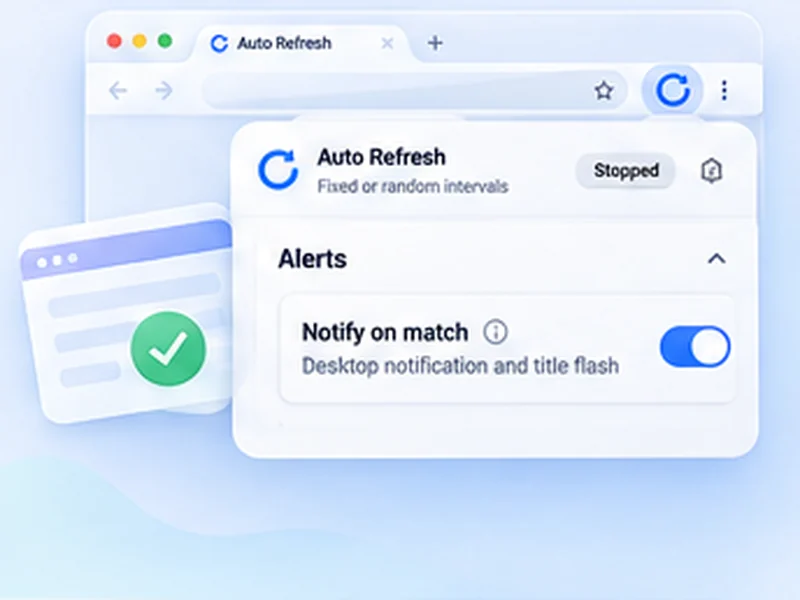
When the list changes, the extension stops, shows a notification and flashes the tab title.
Company career pages work too
Many small employers have a careers page with no alert option. Watch it for the text "No open positions" and choose Stop when text disappears. You will see the page when the line goes away.
What it does not do
It does not apply for you, send your CV or sign you in. You read the job and decide. Some boards do not allow automated page loading, so read the site's terms and keep the interval gentle. Five to fifteen minutes is plenty for a job board.
Tidy habits
- Use a separate saved profile for each job search.
- Add a time limit so the tab does not run overnight.
- Stay signed in, and keep the computer awake while it watches.