Free Auto Refresh
Check if the page needs it
Watch the score for a minute. If it changes without you doing anything, the page already updates itself and does not need a timer. If it stays still while the game moves on, a timer will help.
Set a sensible time
- Live match page: 15 to 30 seconds.
- League table: 1 to 5 minutes. It changes only when a game ends.
- Fixtures and results: 5 to 15 minutes.
Use the same number in Min and Max for a steady beat, or a range for a gentler pattern.
Be told when the score changes
You do not have to watch the screen. Use page watching on the score element and choose Stop when the page changes. A desktop notification tells you when it moves.
Put it on a second screen
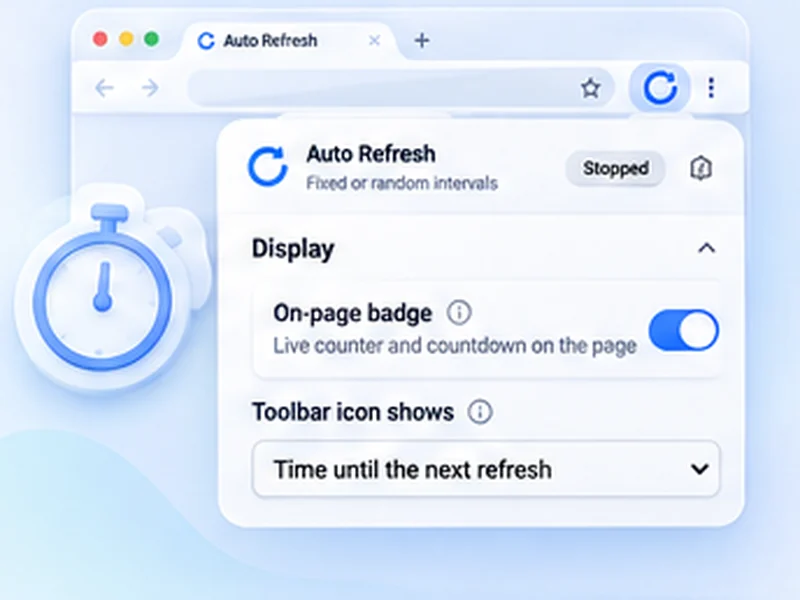
Open the page in its own window, turn on the on-page counter to see when the next refresh is due, and add a limit of a couple of hours so it stops after the game.
Use the official live view when you can
Official apps and live pages send updates faster than reloading a whole page. A timer is for the pages that have no live view. Do not use it for anything that needs instant data, such as placing bets.