Free Auto Refresh
Build the right search first
Set your filters (price, area, size) and sort by newest. Open that results page. Everything below depends on new items appearing at the top of the list.
Set up the watch
- Open the sorted results page and the Free Auto Refresh popup.
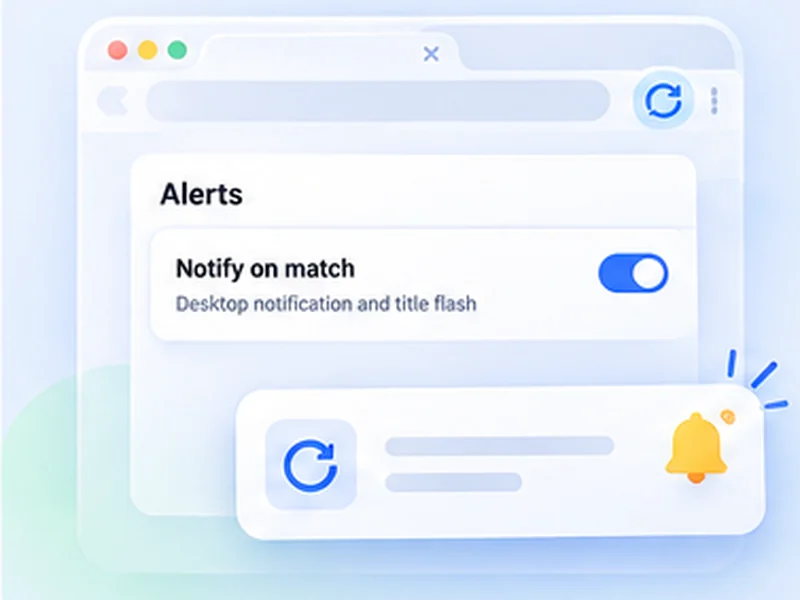
- Under Advanced settings, Watch the page, choose Stop when the page changes.
- If sponsored items keep changing, choose the results list with a CSS selector so only the real listings count.
- Set 3 to 10 minutes, or a random range like 180 to 300 seconds, and press Start.
Check the site's rules first
Some marketplaces do not allow automated loading of their pages, and heavy refreshing can get an account limited. Read the terms, keep the interval long, and use the site's own saved-search email alerts when they exist. This extension is meant for the pages that have none.
Reduce false alerts
- Watch only the listing area, not the whole page.
- Use a saved profile per search, so the settings are one click away.
- Add Smart pause so a reload never interrupts you writing to a seller.
What it does not do
It does not message sellers, make offers or buy anything. It tells you a page changed, and you act. For stock of one product, see back-in-stock alerts.