Free Auto Refresh

The setup
- Open your site's front end in one tab, and the editor or Customizer in a second tab.
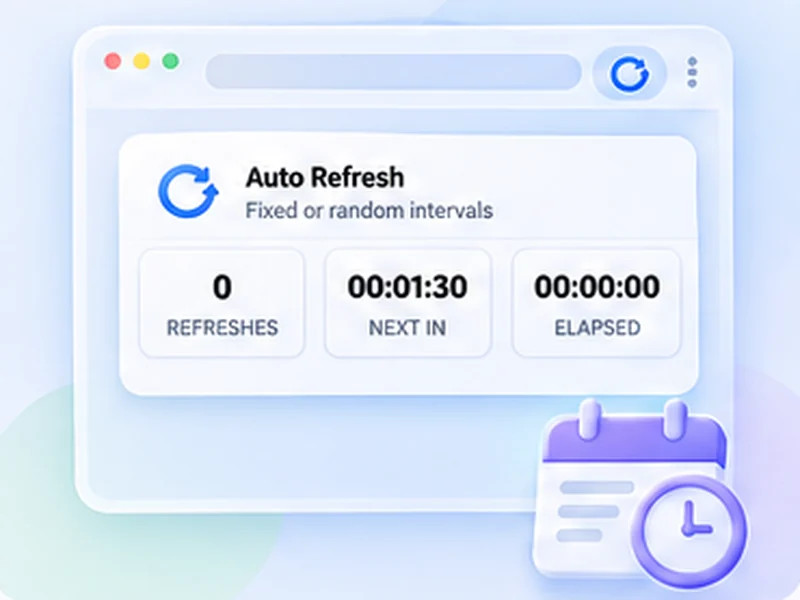
- In the front-end tab, open Free Auto Refresh and set an interval of 10 to 30 seconds.
- Press Start. The tab reloads on its own. Save your changes in the editor and glance at it.
Keep your place on a long page
Turn on Keep scroll position so each reload returns to the same spot, instead of jumping to the top.
Bypass the cache
Caching plugins and CDNs can show an old copy of the page. Turn on the hard reload option so the browser skips its own cache. If you still see old content, purge the plugin's cache from the WordPress admin bar.
Do not refresh the editor
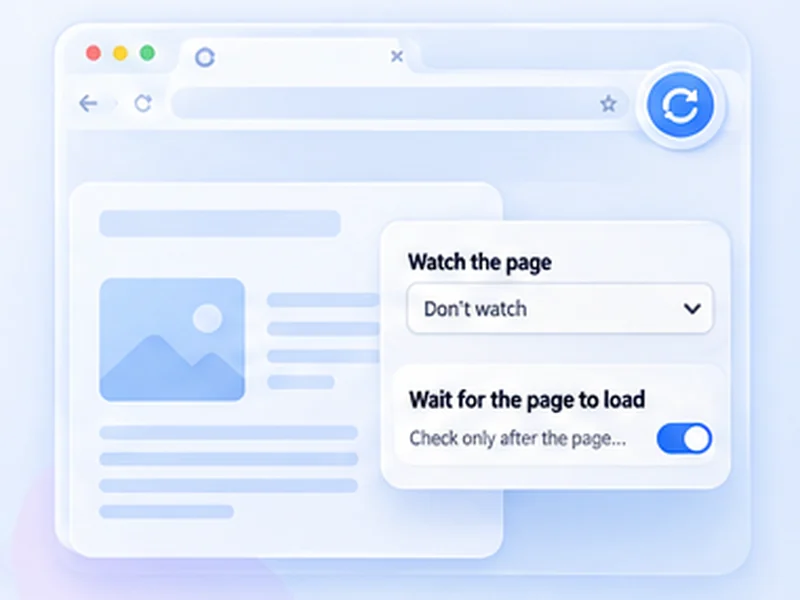
Never put the timer on the editor tab. A reload can lose unsaved work. If you must watch an admin screen, enable Smart pause, which holds off while you are typing.
Stop it when you finish
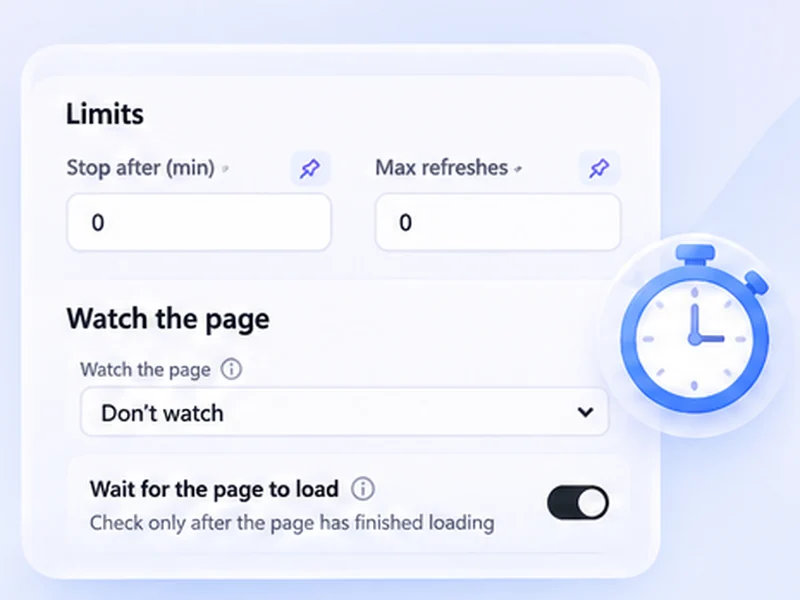
Press Stop, or use a limit such as 30 minutes so it never runs overnight. See the WordPress use case for more.