Free Auto Refresh

Moment 1: waiting for a sale to start
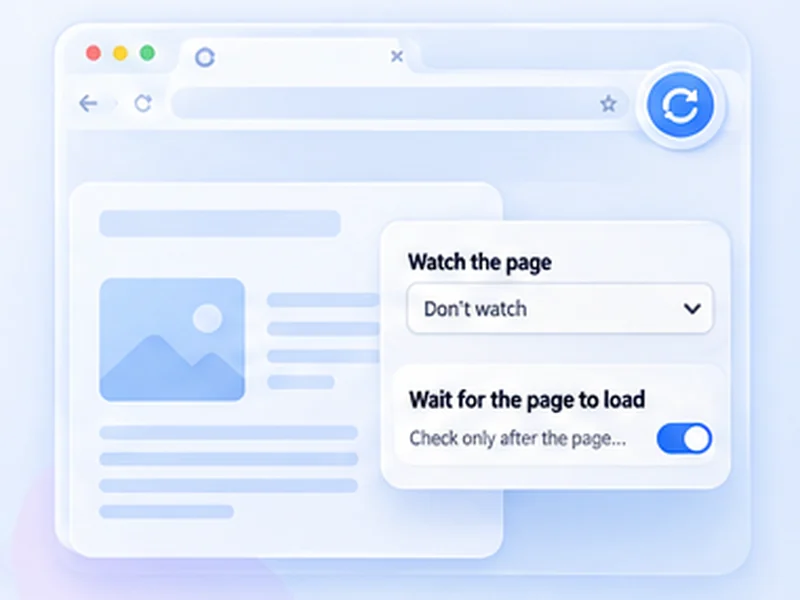
Watch the event page for the text that changes when the sale opens, such as "On sale now", "Buy tickets" or the disappearance of "Coming soon". Use Stop when text appears or disappears, with a 30 to 60 second interval and notifications on.
Moment 2: returned tickets
After a sell-out, tickets are sometimes released when holds expire. Watch for "Sold out" to disappear or for a purchase button to appear, at a gentle 1 to 2 minute interval.
Never refresh inside a waiting room
Many ticketing queues warn that reloading the page can lose your place. Once you are in a waiting room, stop the timer. Use refreshing only on the event page before the queue, not inside it.
Prepare before the alert
- Sign in and save your payment details in advance.
- Keep the tab open, and keep the computer awake.
- Press Alt + Shift + R to stop the timer quickly.
What it does not do
It does not join queues, solve checks or buy for you. Follow the seller's terms. Our ticket sales guide has the exact settings.